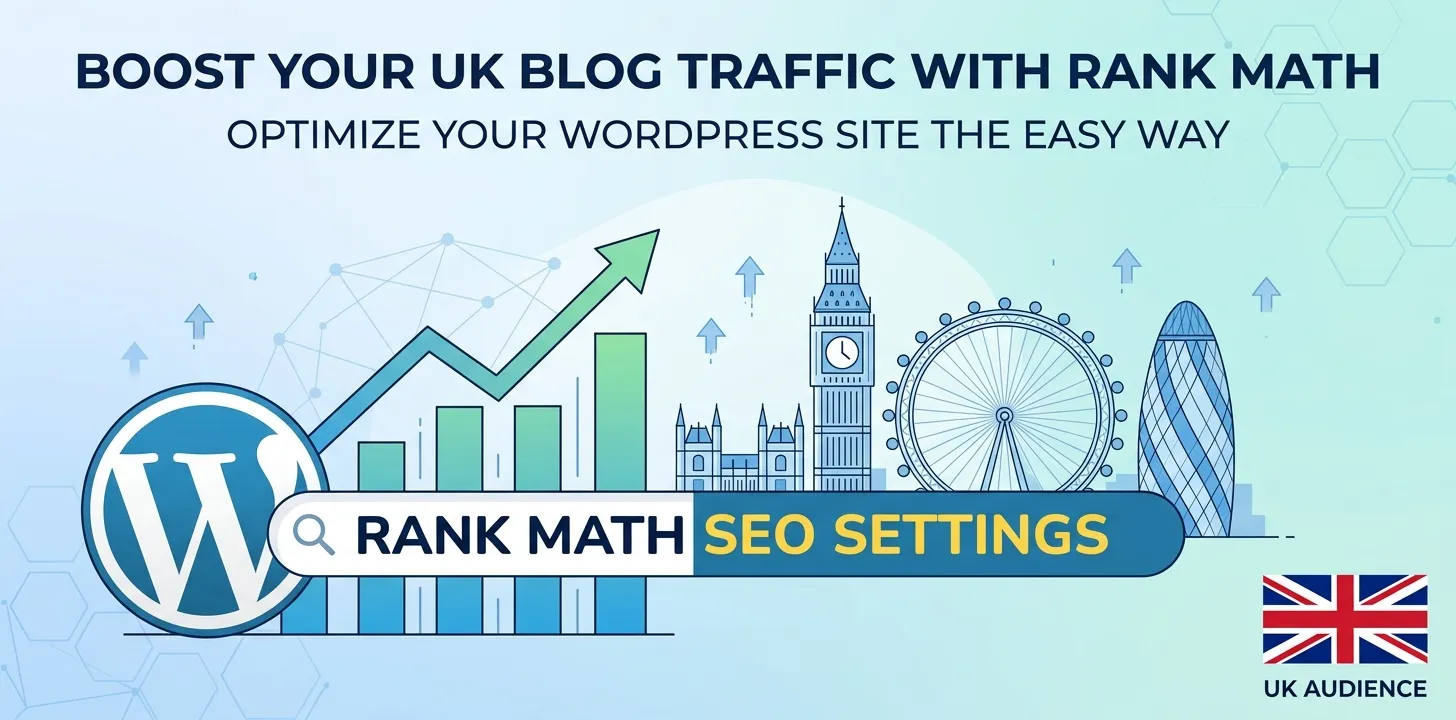

Many bloggers in the UK struggle to get their WordPress websites to show up on Google. You spend hours writing great posts, but nobody reads them. This hurts your traffic and keeps you from making money. The good news is that SEO does not have to be hard. Rank Math is a free WordPress tool that makes search engine optimization simple. In this guide, you will learn how to set up Rank Math the right way. We will show you the exact settings to use so your posts rank higher. You will save time, avoid bad plugins, and bring more visitors to your blog. By the time you finish reading, your site will be ready to rank.
Best Rank Math SEO settings for WordPress blogs
Setting up Rank Math correctly helps search engines find, read, and rank your content quickly. Follow these step-by-step settings to make your UK WordPress blog succeed online.
Getting Started with the Setup Wizard
When you install Rank Math, you need to choose the Advanced Mode in the setup wizard. This gives you full control over your site settings. Start by picking your site type, such as Personal Blog or Small Business. Next, upload a custom logo for Google to use in search results. You should also upload a default social sharing picture. This image appears when someone shares your link on Facebook or X.
Last year, I helped a friend with a small bakery blog in London. Her posts were not showing pictures on social media. We ran the Rank Math setup wizard and added a default image. Within a week, her social shares looked professional, and her site clicks doubled.
Here are the key wizard steps to complete:
- Pick Advanced Mode for more controls.
- Add your site name and logo.
- Set a default image for social shares.
- Connect your Google Search Console account.
Connecting Search Console lets you see your ranking data directly inside your WordPress dashboard. It saves you from logging into extra sites every day. If you want to learn more about tracking traffic, check out our related guide on setting up Google Analytics for WordPress.
Optimizing Your Site Titles and Meta Descriptions
Titles and meta descriptions are the main snippets people see on Google search pages. Go to the Titles and Meta settings inside Rank Math to fix these. Set your Titles to include the post name and your site name. Use clean separators like a dash or a pipe.
In the Global Meta tab, turn on Smart Auto Capitalize. This makes your titles look neat without extra work. Always turn on the Noindex Empty Category and Tag Archives setting. This stops search engines from indexing empty pages, which can hurt your overall rankings.
During a site audit for a UK lifestyle client, I found hundreds of thin, empty tag pages indexed on Google. This confused search engines and dropped their rank. We turned on the noindex feature in Rank Math, and their main pages started ranking higher within three weeks.
Set up these basic meta rules:
- Enable Noindex for empty archives.
- Keep site titles under 60 characters.
- Use short tags like %title% and %sitename%.
- Turn on Open Graph data for social channels.
Master Image SEO for Faster Load Times
Images make your blog posts fun to read, but they can slow down your website if they lack proper descriptions. Rank Math has an automated Image SEO tool that fixes this. Turn on the switch to automatically add missing Alt attributes and Title attributes to your images.
Alt text tells search engines what your photo shows. It also helps visually impaired users who use screen readers. Set Rank Math to fill missing alt tags with your post title or image file name. This simple trick adds rich context to your images without extra typing.
Essential settings for Image SEO:
- Auto-add missing alt text tags.
- Auto-add missing image title tags.
- Change file names to lowercase letters.
- Remove special characters from image links.
Fast-loading images help your blog rank better on mobile phones across the UK. To speed up your site even more, see our related guide on choosing fast WordPress themes for UK blogs.
Configuring Sitemaps and Indexing
An XML sitemap is a map of your website created just for search engines like Google and Bing. Rank Math creates this file automatically for you. Make sure your sitemap includes your posts, pages, and categories. Exclude tags if you do not use them carefully, as they create clutter.
Inside the Sitemap settings, turn on the option to Include Featured Images. This helps your photos rank in Google Image search. You should also use Rank Math’s Instant Indexing feature. It uses the IndexNow protocol to ping search engines the second you publish a new blog post.
Quick checklist for your sitemap:
- Turn on the main XML sitemap feature.
- Include posts, pages, and post categories.
- Include featured images in the map.
- Submit your sitemap link to Google Search Console.
Schema Markup for Rich Search Results
Schema markup is special code that helps Google understand your content. It can show star ratings, recipe times, or event dates right in search results. Rank Math makes adding Schema simple without writing code. Set your default Schema type for posts to Article or Blog Posting.
For custom posts, you can pick specific types like Recipe, Product, or FAQ. Rich snippets make your search result stand out from competitors, which leads to more clicks from UK readers.
Follow these Schema best practices:
- Set Article as your default post type.
- Fill out headline and description fields clearly.
- Use FAQ schema for questions and answers.
- Check your pages with Google’s Rich Results Test tool.
Frequently Asked Questions
Find direct answers to the most common questions UK site owners ask about using the Rank Math SEO plugin on WordPress sites.
Is Rank Math better than Yoast SEO?
Yes, Rank Math offers more free features than Yoast SEO. It includes local SEO, redirection, and schema tools without requiring you to buy a paid upgrade.
Does Rank Math slow down my WordPress site?
No, Rank Math is built with clean code and is lightweight. It runs faster than many older SEO plugins and will not slow down your website speed.
Do I need the paid version of Rank Math?
No, the free version of Rank Math has everything most niche bloggers need. You only need the paid version if you run large business sites or store networks.
Conclusion
Setting up Rank Math correctly is one of the best moves you can make for your WordPress blog. By adjusting your setup wizard, meta tags, images, and sitemaps, you build a strong setup for Google. You do not need to be a technical expert to get great SEO results in the UK. Take it one step at a time, and always focus on writing helpful content for your readers.
My final expert tip is to check your Rank Math Analytics dashboard at least once a week. Look for pages that are close to page one on Google, then update them with fresh facts or better images. Your immediate next step is to log into your WordPress site, install Rank Math, and run the setup wizard today.