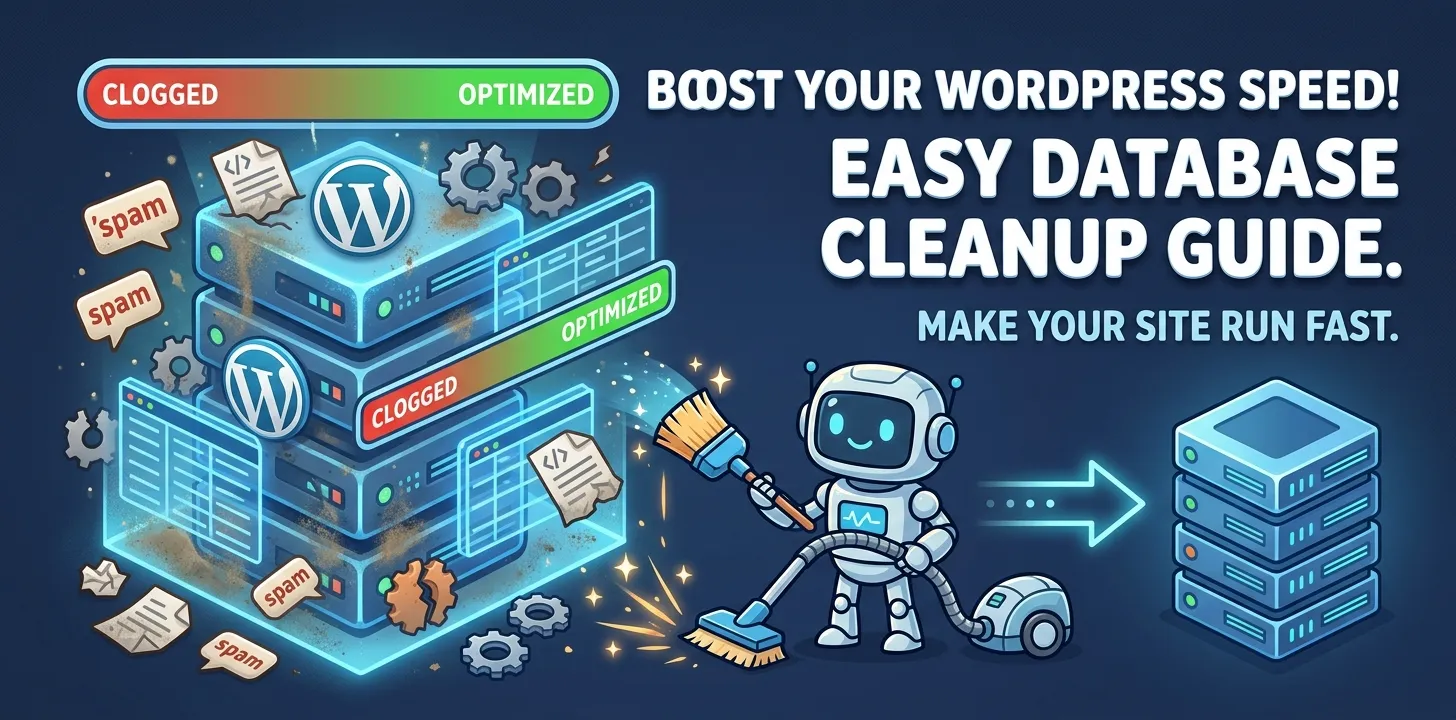

Is your WordPress website running slow? A slow website frustrates visitors and drives them away. It can also hurt your business because search engines like Google prefer fast sites. Many times, a messy database is the hidden cause of this slowdown. Every post, comment, image, and plugin setting gets stored in your database. Over time, old data accumulates and clogs the system.
Cleaning up your database speeds up your site and makes it easier to manage. Fast sites keep visitors happy, improve your search rankings, and increase sales. In this guide, you will learn how to clean up your WordPress database safely. You do not need to be a coding expert to do this. By the end of this guide, you will know how to make your website load quickly and run smoothly.
Best WordPress database cleanup and optimization plugins
Database plugins clean out old junk from your website files. They keep your site running fast, safe, and light with minimal effort.
WP-Optimize
WP-Optimize is a popular tool for cleaning your database. It removes unwanted items like post revisions, trash items, and spam comments. It also defragments your MySQL tables, which frees up space and helps your site load much faster.
In my own experience managing client websites, WP-Optimize made a huge difference for a client running an online shop. Their site took five seconds to load. After using WP-Optimize to clear thousands of old draft revisions and auto-saved posts, the site loaded in under two seconds. The owner was thrilled because sales instantly improved.
Here are the main features of WP-Optimize:
- Cleans out temporary data and spam comments automatically.
- Compresses large image files to save server space.
- Runs automatic cleanups on a weekly or monthly schedule.
You can set it up once and let it run in the background. It is safe, simple, and very effective for beginners. For extra tips on site speed, check out our related guide on how to pick fast WordPress hosting.
Advanced Database Cleaner
Advanced Database Cleaner gives you total control over what you delete. Many plugins miss leftover data from uninstalled plugins, but this tool finds those hidden files and removes them completely.
I used this tool on an old blog that had used over fifty different plugins over five years. The database was full of orphan data—files left behind by plugins that were long gone. Advanced Database Cleaner found every single orphan file. Deleting them shrank the database size by forty percent.
Key advantages of using this plugin include:
- Cleans orphan options, orphan metadata, and old cron tasks.
- Shows a clear view of what is taking up space in your database.
- Allows you to schedule regular cleanup routines.
This plugin is perfect if you like to test many plugins on your site. It keeps your database neat and prevents old, unused files from cluttering your server.
WP-Sweep
WP-Sweep uses official WordPress functions to clean your database instead of direct MySQL queries. This approach reduces the risk of breaking your website while removing junk.
It cleans up several types of unwanted data:
- Revisions, auto-drafts, and deleted posts.
- Unapproved, spam, and deleted comments.
- Unused terms and transient options.
WP-Sweep features a clear interface with simple buttons. You can see how much space you will save before you click delete. It is a reliable choice if you want a simple tool without complex settings.
Frequently Asked Questions
Got questions about database cleanup? Here are quick answers to the most common queries people search for online.
Will cleaning my database break my WordPress site?
It can if something goes wrong. Always make a full backup of your website before running any cleanup plugin. That way, you can restore your site if needed.
How often should I clean my WordPress database?
Clean your database once a month for a standard blog. If you run a busy online store, run a cleanup every week to remove old temporary data.
Do I need to keep post revisions in WordPress?
No, you do not need to keep all of them. Keeping two or three revisions per post is fine, but hundreds of old drafts just slow down your site.
Conclusion
A fast website is vital for online success. Cleaning your WordPress database removes old revisions, spam comments, and leftover file clutter. This simple maintenance step speeds up page load times, keeps your visitors happy, and boosts your search rankings. Plugins like WP-Optimize, Advanced Database Cleaner, and WP-Sweep make this job safe and easy for everyone.
Here is an expert tip: limit the number of post revisions WordPress saves. You can do this by adding a single line of code to your wp-config file or by using a site management plugin. This stops your database from filling up with junk in the first place.
Your next step is simple: back up your site today, install a database plugin, and run your first cleanup. For more performance tips, read our related guide on setting up a caching plugin.