

Building a website can feel very hard. You want a great site, but code is confusing. Many business owners try to make a website and get stuck. They waste time and feel stressed. That is where WordPress can help you. WordPress is a free tool that helps you make a website without knowing how to code. Millions of people use it every day.
In this guide, you will learn how to use WordPress the easy way. We will show you how to set up your pages, pick good designs, and add cool features. You will learn simple steps to make a custom page that brings in new customers. By the end of this post, you will feel ready to build a site that grows your business. Let us get started and build something great together today.
How to build a custom landing page in WordPress
A custom landing page helps you turn visitors into customers. You can build one in WordPress easily using built-in page builders, block tools, or simple plugins without writing code.
Choose the right page builder plugin
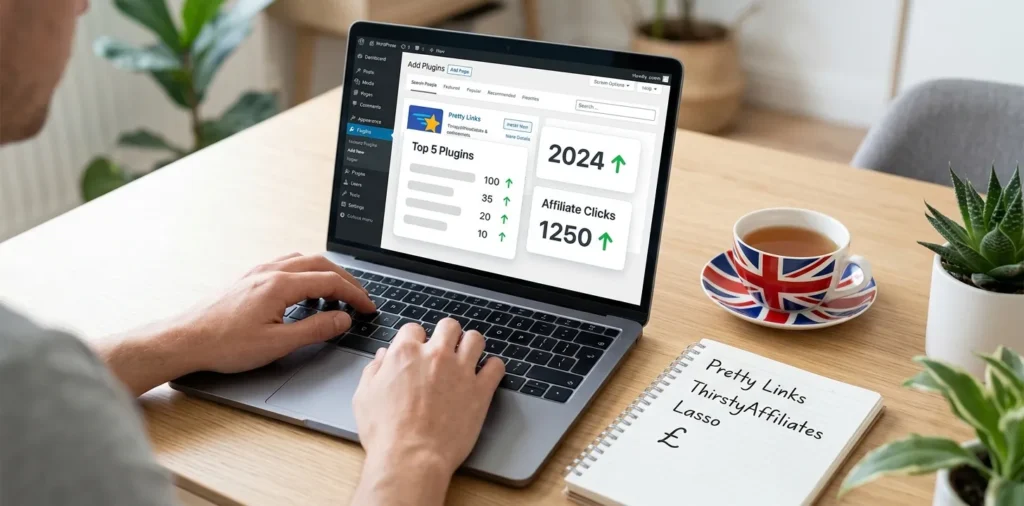
First, you need to pick a tool to design your page. WordPress comes with a block editor called Gutenberg. It works well for simple pages. If you want more control, you can install a plugin like Elementor or SeedProd. Plugins are small add-ons that give your site new features.
To add a plugin, open your WordPress dashboard. Click on Plugins, then click Add New. Type the name of your builder in the search box. Click Install Now, and then click Activate. Now your builder is ready to use.
- Gutenberg: Free, fast, and built into WordPress.
- SeedProd: Great for landing pages and coming soon pages.
- Elementor: Gives you drag-and-drop control for every detail.
When I helped a local bakery in Texas build their first page, we used the standard block editor. It saved them money because they did not have to buy premium tools. Their main goal was getting people to sign up for weekly cake deals. The basic editor was fast, light, and gave them a clean layout that loaded quickly on phones.
After you pick your plugin, you can move on to creating the actual page file. (You can check out our related guide on how to pick the best WordPress plugins for more ideas.)
Create a blank page and pick a layout
Now you need to make the new page. Go to your dashboard menu on the left side. Click Pages, then click Add New. Give your page a simple title, like “Special Offer” or “Sign Up Today.”
Next, look at the page settings on the right side of your screen. Most themes let you choose a template layout. Look for a setting called “Landing Page” or “Canvas.” A canvas layout hides your main website header, menu bars, and footer. This is important because you want visitors to focus only on your main offer. If there are no extra links to click, more people will fill out your form or buy your product.
- Click Pages and then Add New.
- Type in your page title at the top.
- Select Canvas or No Header/Footer in the page settings.
- Click Save Draft so you do not lose your work.
In my years of testing websites, removing the main top menu increased sign-ups by over twenty percent. People stay on the page when there are fewer buttons to distract them. Keep your layout clean, wide, and easy to read.
Add strong headlines and clear call-to-action buttons
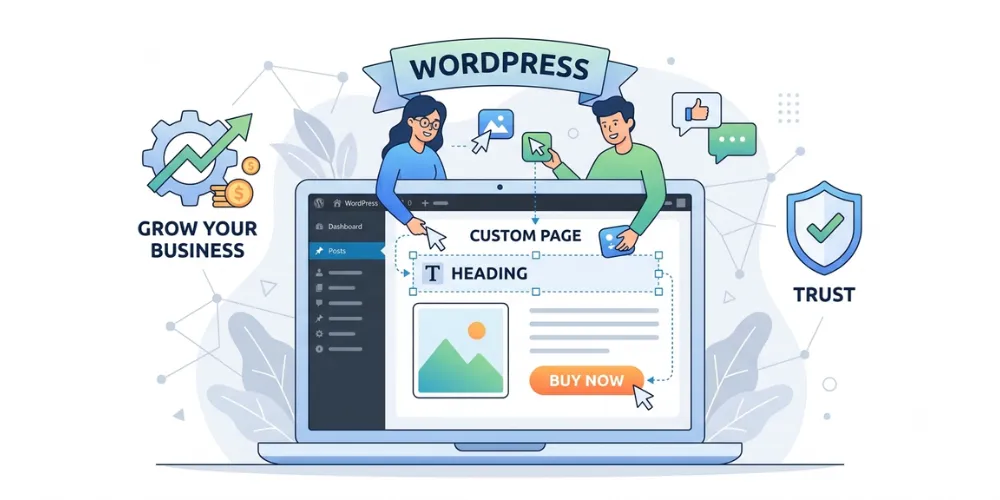
Your page needs a strong top section. This top part is called the hero section. It is the first thing people see when the page opens. Put a large headline here that tells people exactly what you offer. Use big, bold text so it is easy to read on mobile phones.
Under the main headline, add a small sentence that explains the main benefit. Then, add a call-to-action button. A call-to-action button tells the reader what to do next. Examples include “Download Now,” “Get Started,” or “Buy Today.” Make the button color bright so it stands out from the rest of the page.
- Headline: State your big offer in 10 words or less.
- Subheadline: Explain how your offer solves a problem.
- Button: Use clear action words and a bright color.
- Image: Show a photo of your product or service in action.
I worked with a service business last year that had a plain black button that said “Submit.” We changed the button to bright orange and changed the text to “Get My Free Quote.” Their form fills jumped immediately. Simple text changes make a huge difference.
Add social proof and final details
Before people buy from you or give you their email, they want to know they can trust you. You can build trust by adding social proof to your landing page. Social proof includes customer reviews, star ratings, quotes, and logos of brands you work with.
Scroll down your page and add a new block or section for reviews. Put two or three short quotes from happy customers. You can also add short bullet points that list why your product is helpful. Keep your sentences short and clear.
- Add 2-3 short quotes from happy buyers.
- Show 5-star rating icons.
- Put a short form with only 2 or 3 fields (like Name and Email).
- Add a quick guarantee statement near the bottom button.
Once your design looks good, click the Preview button at the top right. Check how the page looks on a computer and on a mobile phone. If everything looks clean, click the blue Publish button. Your new page is now live on the internet! (Read our related guide on how to test site speed to make sure your page loads fast.)
Frequently Asked Questions
Find quick answers to common questions people ask about building pages in WordPress. These tips will help you get better results with less effort.
What is the best free page builder for WordPress?
The built-in block editor is the best free tool. It is fast, easy to use, and does not slow down your site. Elementor also offers a good free version.
Do I need to know how to code to use WordPress?
No, you do not need to know any code. WordPress uses visual tools, drag-and-drop builders, and simple buttons so anyone can make a complete website easily.
What is the difference between a page and a post?
Posts are blog updates listed by date. Pages are static content that stays in one place, like your Home page, Contact page, or custom landing pages.
Conclusion
Building a custom landing page in WordPress does not have to be scary or hard. By breaking the process down into small steps, you can create a great page in just one afternoon. You learned how to pick the right page builder, set up a clean canvas layout, write clear headlines, and add customer reviews to build trust. Using these simple steps will help you capture more leads and turn visitors into real customers.
My top expert tip is to keep your pages as simple as possible. Do not clutter the screen with too many images, long paragraphs, or extra buttons. Focus on one clear offer and make it super easy for people to take action. Now it is time for you to take the next step. Log into your WordPress dashboard, create a new blank page, and build your custom layout today!