
Building a website to sell your digital work is tough. You want to share your passion, but setting up paywalls and managing monthly payments can feel confusing. Many creators waste weeks trying to set up complex tools, only to find that their payment gateways fail or their downloads leak for free.
This simple guide will show you how to fix that problem quickly. You will learn how to pick the right membership tool for your WordPress site without stress. By using the right setup, you can protect your videos, courses, or posts and get paid on time every month.
We will compare top options that work smoothly for creators in the UK. You will see how to handle UK taxes like VAT, take payments in pounds, and keep your site running fast. Read on to find the perfect solution for your online business.
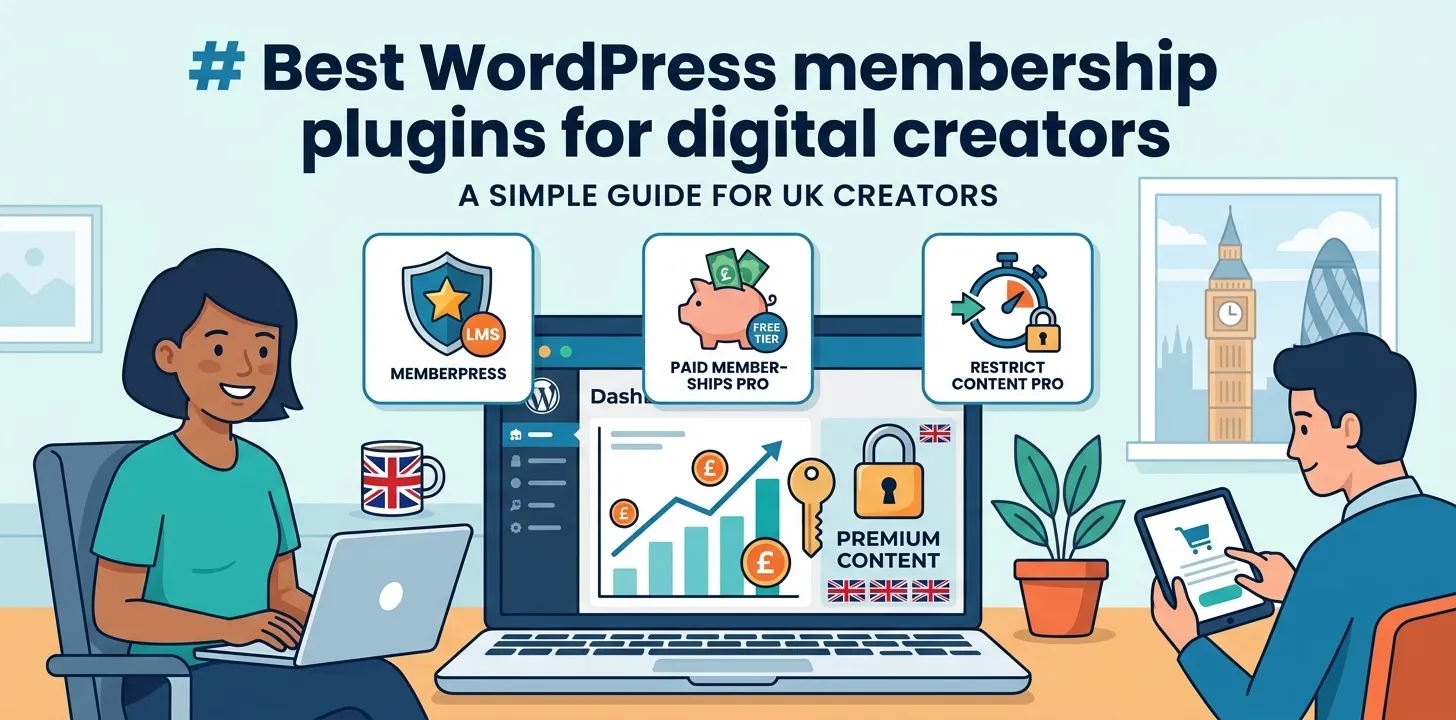
Best WordPress membership plugins for digital creators
Choosing the best tool depends on what you create. Below, we break down the top options to help you lock your content, sell subscriptions, and grow your income.
MemberPress: The complete all-in-one platform
MemberPress is one of the most popular tools for creators who want to build a full subscription business. It lets you block posts, pages, or downloadable files with just a few clicks. You can also set up courses easily because it includes a built-in course maker.
I used MemberPress last year for a client running a UK-based fitness blog. We needed to charge members in pounds and charge UK VAT on every sale. The plugin calculated the tax automatically and connected straight to Stripe. This saved us from spending hundreds of pounds on a tax expert.
- Key Strengths:
- Simple rules to hide posts, pages, and files.
- Built-in tools to create online courses.
- Automatic UK VAT calculation at checkout.
- Drips out content on a scheduled timeline.
The main downside is the price. There is no free version, so you must pay an annual fee upfront. However, for creators who want everything in one spot without hiring a coder, it is worth every penny. If you want to check your site speed before installing big tools, take a look at our related guide on WordPress performance tips.
Paid Memberships Pro: Best for flexible budgets
Paid Memberships Pro is a fantastic choice if you want to test your business idea without spending money first. The free core plugin lets you create unlimited membership tiers and protect your content right away. It works great for small blogs, local clubs, and newsletter creators.
During a project with a local media creator in London, we started on their free plan. As the site grew, we only paid for specific add-ons like extra email marketing features. This modular approach kept site costs low during the early months.
- Top Features:
- Free core version available on WordPress.org.
- Unlimited paid and free membership levels.
- Works smoothly with Stripe and PayPal.
- Over 60 free and premium add-on modules.
The setup process takes a little more time than other options because you have to pick and choose your add-ons. But if you want full control over your budget and site code, it is a brilliant pick.
Restrict Content Pro: Lightweight and super fast
Restrict Content Pro is built for speed and clean design. If you run a fast news site or blog and do not want heavy features clogging up your code, this tool is ideal. It focuses strictly on hiding content and taking payments without extra clutter.
- Install the plugin and set up your payment provider like Stripe.
- Create your subscription levels (e.g., Monthly, Yearly).
- Add access limits directly inside your WordPress post editor.
Because it does not include complex course builders or social networks out of the box, it keeps your web pages loading fast. It also gives you clear income reports directly inside your dashboard. For a look at how to design better sales pages, read our related guide on landing page design.
Frequently Asked Questions
Common questions about building a paid membership site in the UK, answered clearly so you can start right away.
Do I need to pay UK VAT on digital membership sales?
Yes, if you sell digital goods to UK buyers, you must charge UK VAT. Tools like MemberPress can handle tax math automatically at checkout.
Can I accept payments in British Pounds directly on my site?
Yes, almost all top membership tools connect with Stripe and PayPal. Both let you process payments in British Pounds directly to your UK bank.
Will a membership plugin slow down my WordPress site?
Lightweight options like Restrict Content Pro keep your site fast. Avoid bloated plugins and use good web hosting to ensure your site stays quick.
Conclusion
Setting up a membership site is one of the best ways to earn a reliable income as a UK creator. Choosing the right plugin keeps your site fast, protects your hard work, and makes checkout simple for your members.
My top expert tip is to start small. Do not try to launch ten membership levels on day one. Pick one primary tier, test your payment setup with a test transaction, and check that UK VAT calculates properly before you launch to the public.
Your next step is simple. Choose one of the tools listed above, install it on your site today, and lock your very first piece of premium content!