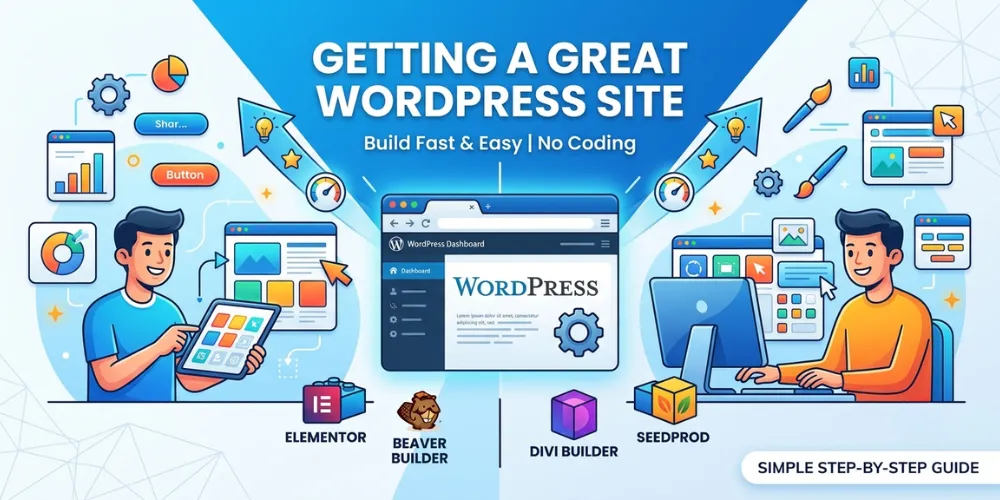


Building a web page can feel hard if you do not know how to code. Many people pick WordPress because it is free and popular. But the basic page editor in WordPress can feel tricky to use. You might want to add cool buttons, nice tables, or fun pictures, but you do not know how to start.
That is where page builders come in. Elementor is one of the most popular tools for WordPress. It lets you drag and drop parts of your website into place. However, the free version of Elementor leaves out many features you might want.
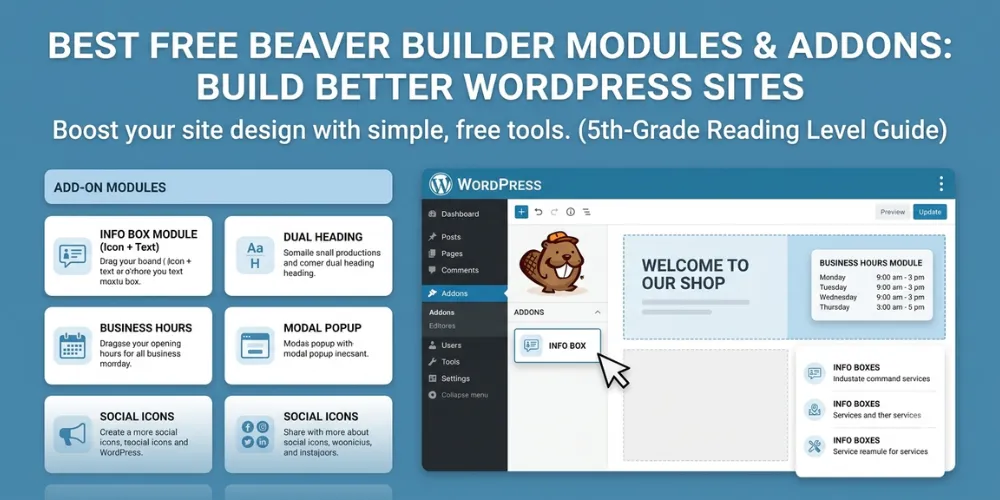
This guide will show you the top tools you can add to Elementor. These extra tools are called addons. They give you extra blocks, cool designs, and helpful features. By the end of this page, you will know how to pick the best tools to make your website look great without stress.
Best Elementor addons for WordPress
Elementor addons give you extra blocks and features to build better sites. Here are top add-ons that add new widgets, fast templates, and smart tools to your WordPress site.
Essential Addons for Elementor
Essential Addons is one of the most popular plugin packs for WordPress. Over one million website owners use it every day. It gives you more than 80 extra elements to build pages fast.
Here are some top features you get with this tool:
- Post grids to show your latest blog articles neatly.
- Info boxes that make key facts stand out to readers.
- Pricing tables so customers can see your plans easily.
- Event calendars to list upcoming dates and meetings.
In my own work running a small local store site, I used Essential Addons to create a simple product grid. Before using it, making products line up took hours of testing. With this tool, it took under five minutes. The pages loaded quickly, and visitors could easily find what they wanted to buy.
You can start with the free version, which includes more than 40 basic blocks. If you need special features like dynamic content or interactive cards, you can upgrade to the paid plan. It is a great starting place for any beginner looking to make a site fast. If you want to learn more about setting up your site structure, check out our [related guide on WordPress page layouts].
Ultimate Addons for Elementor
Ultimate Addons is made by Brainstorm Force. They are the same team that created the popular Astra theme. This plugin focuses on light code and fast loading speeds. That means your pages stay fast even when you add lots of fun blocks.
Key features included in this pack:
- Modal popups to show important news or sign-up forms.
- Content toggles to switch between monthly and yearly prices.
- Fancy headings with custom colors and simple motion effects.
- Google Maps blocks to show your store location easily.
During a project for an online store client, we tested several addon packs to see which one was fastest. Ultimate Addons scored the best speed numbers on Google tests. The site loaded in under two seconds. That quick speed helped the business gain more sales because visitors did not have to wait for pages to open.
This tool works seamlessly with the Astra theme. It is very easy to turn off features you do not use. Turning off unused blocks keeps your website clean and snappy. It is a smart choice for business sites that need high speed and clean design.
ElementsKit Elementor Addons
ElementsKit is an all-in-one plugin pack that adds creative tools to your website. It is famous for its header and footer builder. Normally, changing headers in WordPress requires extra code. ElementsKit lets you design custom headers with drag-and-drop ease.
Top features you will find inside:
- Mega menu builder for large websites with many pages.
- Cross-domain copy-paste tool to move designs between sites.
- Widget builder to make your own custom design elements.
- Social media feeds to display Instagram and Facebook posts.
When I helped a non-profit group rebuild their blog, they had a huge menu that looked confusing on mobile phones. We installed ElementsKit and built a simple mega menu in one afternoon. Mobile visitors could suddenly tap and find help articles in seconds without getting lost.
The plugin also gives you access to a huge template library. You can insert entire ready-made page layouts with just one click. This saves you hours of work when building new pages from scratch. If you are building a big site with lots of categories, this addon pack is worth a close look. You can also read our [related guide on WordPress navigation tips] to improve user experience.
Frequently Asked Questions
Here are simple answers to common questions people ask on Google about using extra tools and blocks with the Elementor page builder.
Are Elementor addons safe to use?
Yes, addons from well-known developers are safe. Always download plugins with good reviews and regular updates from the official WordPress plugin library to keep your website safe from bugs.
Do Elementor addons slow down your website?
Some heavy addons can slow down your site if you use too many blocks at once. Pick lightweight plugins and turn off unused widgets to keep your pages loading fast.
Can I use free addons with free Elementor?
Yes, many top addon plugins offer free versions that work great with the free Elementor builder. You do not need to buy Elementor Pro to use basic addon features.
Conclusion
Building a great website on WordPress does not have to be hard or expensive. Adding the right tools to Elementor gives you total control over how your pages look and work. Plugins like Essential Addons, Ultimate Addons, and ElementsKit offer simple ways to add custom blocks without writing a single line of code.
Remember to keep your website fast by turning off any widgets or tools you do not use. Too many active features can slow down your pages and hurt your rankings on Google. Always test your site speed after adding a new plugin pack to make sure your pages open quickly for every visitor.
Your next step is simple. Go to your WordPress dashboard, click on Plugins, and search for the free version of Essential Addons. Install it and test out two or three new blocks on a draft page today to see how easy page design can be.