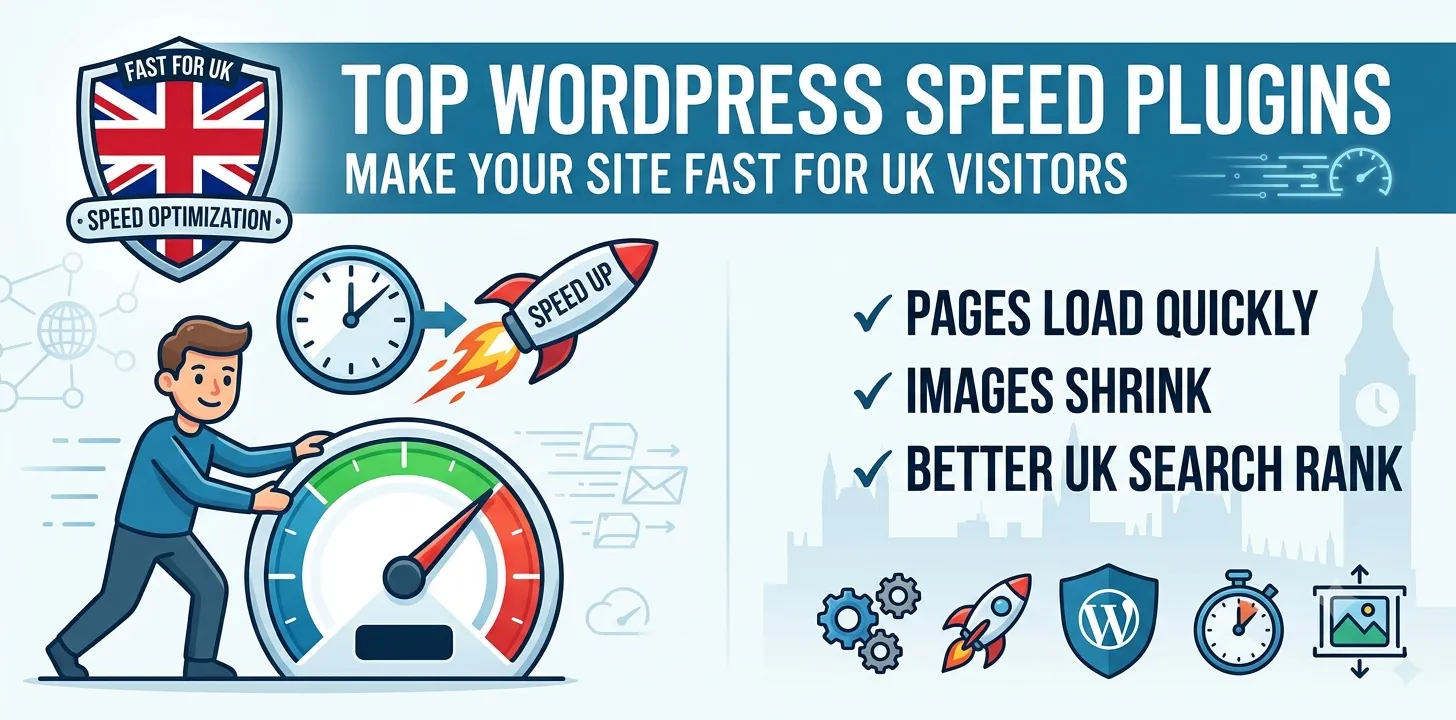

Is your UK business website loading slowly? A slow site drives away visitors and hurts your sales. When pages take too long to load, people click away to a rival business. Google also ranks fast websites higher in search results. If your site is slow, you are losing money and customers every single day.
This simple guide helps you fix that problem. You will learn about the top tools to speed up your WordPress site today. You do not need to be a tech expert to use these tools. We will show you which tools work best and how to pick the right one for your needs. By the end of this guide, your pages will load much faster, your visitors will stay longer, and your online business will grow.
Top rated WordPress speed optimization plugins
WordPress plugins can automatically compress your pictures, save copies of your pages, and clean up your files to make your site load in a flash.
WP Rocket
WP Rocket is one of the easiest tools to use for making your website fast. Many site owners in the UK like it because it works right out of the box. You do not need to spend hours changing complicated options. Once you turn it on, it starts working right away to help your pages load quicker.
I used WP Rocket on a local shop website last year. The homepage was taking over five seconds to show up. After installing this tool and turning on the basic settings, the site loaded in under two seconds. The shop owner saw more sales the very next week because visitors did not have to wait around.
Here are the main features you get with this tool:
- Page Caching: Creates fast-loading static pages for your visitors.
- Image Lazy Loading: Loads pictures only when a user scrolls down to them.
- Code Minification: Shrinks your site files so they send faster over the internet.
If you want to fix your speed issues quickly without reading long technical manuals, this is a great choice. You can also read our related guide on how to choose the best UK web hosting to make your site even faster.
LiteSpeed Cache
LiteSpeed Cache is a powerful free tool for websites that run on LiteSpeed web servers. If your web host uses this type of server, this plugin is one of the best choices you can make. It offers advanced controls that give you total power over how your site loads data.
In my work with small UK blogs, I often test different free tools. On one food blog with lots of large pictures, LiteSpeed Cache cut the page load time in half. It cleaned up the site database and made the images much smaller without losing quality. The site owner was very happy because they did not have to spend any money on premium software.
Key benefits of using this tool include:
- Free Server Caching: Works directly with your web server for top speed.
- Image Optimization: Auto-compresses your graphics to save bandwidth.
- Database Cleaner: Removes old junk data that slows your site down.
It can take a little time to learn all the settings. However, the speed boost is worth the effort if your server supports it.
Perfmatters
Perfmatters takes a different path to speed up your site. Instead of doing big caching tasks, it turns off small WordPress settings that you do not need. Many standard WordPress setups run extra code in the background that slows everything down. This plugin stops that useless code from running.
I often use Perfmatters alongside a standard caching plugin on busy client sites. On a local service business site, turning off unneeded scripts saved half a second of load time right away. It stopped extra files from loading on pages where they were not needed, like shopping cart scripts loading on simple blog posts.
Top ways this tool helps your site:
- Script Manager: Pick which code runs on specific pages.
- Disable Emojis: Stops extra icon code from loading on every page.
- Database Optimization: Cleans up old page drafts and spam comments.
This lightweight tool is ideal if you want a clean site that runs smoothly without bloated software.
ShortPixel
Large image files are the main reason most websites load slowly. ShortPixel fixes this exact problem by making your picture files much smaller without making them look blurry or bad. It works automatically in the background every time you upload a new photo.
During a site review for a UK photography blog, giant image files were making every page lag. We ran ShortPixel across the image library. It reduced the total file size of the site by 70 percent. The site became nimble, and visitors could view photo galleries instantly without waiting for images to render.
Here is what ShortPixel does for your site:
- Automatic Compression: Shrinks new photos as soon as you upload them.
- Next-Gen Formats: Converts pictures to fast formats like WebP.
- Cloud Processing: Does the heavy work on their servers so your site stays fast.
Fixing your photos is one of the fastest ways to improve your site performance. To learn more about photo formats, check out our related guide on optimizing images for search engines.
Frequently Asked Questions
Find quick answers to common questions about making your WordPress website load faster for your UK visitors.
Do I need more than one speed plugin?
No, using multiple caching tools at the same time can break your website. Pick one main caching tool and pair it with a dedicated image tool if needed.
Will a speed plugin make my site faster on phones?
Yes, these tools reduce file sizes and code execution, which helps your pages load much faster on mobile phones and weak internet connections.
Are free speed plugins good enough for my business?
Yes, free tools like LiteSpeed Cache work very well. Paid options usually just offer easier setups and extra support team help if you get stuck.
Conclusion
Making your WordPress site fast is essential for online success. Slow pages frustrate your users and hurt your search engine rankings. By choosing the right tools, you can easily shrink file sizes, clean up bad code, and deliver your content in a fraction of a second. Fast websites keep visitors happy, boost your sales, and help you stand out from the competition in the UK market.
My final expert tip is to test your website speed before and after you install any new tool. Use a free site testing tool to measure your load time first. This lets you see the exact speed gain and ensures the tool is working correctly on your server. Your next step is simple: pick one image tool or one caching tool from this guide, install it today, and watch your site load faster right away.