
Do you have a website? If you use WordPress, you need to keep it safe. Hackers try to break into blogs every single day. If they get in, they can steal your data or break your pages. This makes visitors leave your site fast.
The big problem is that bad people look for open doors on your pages. They use automated tools to find weak spots in your setup. When they find one, they take control. You can lose all your hard work in a few minutes.
This guide will show you how to lock your front door. You will learn easy steps to stop bad guys before they start. By the end of this post, your blog will be safe and sound. You can sleep well at night knowing your hard work is protected. Let us dive in and build a strong shield for your pages today.
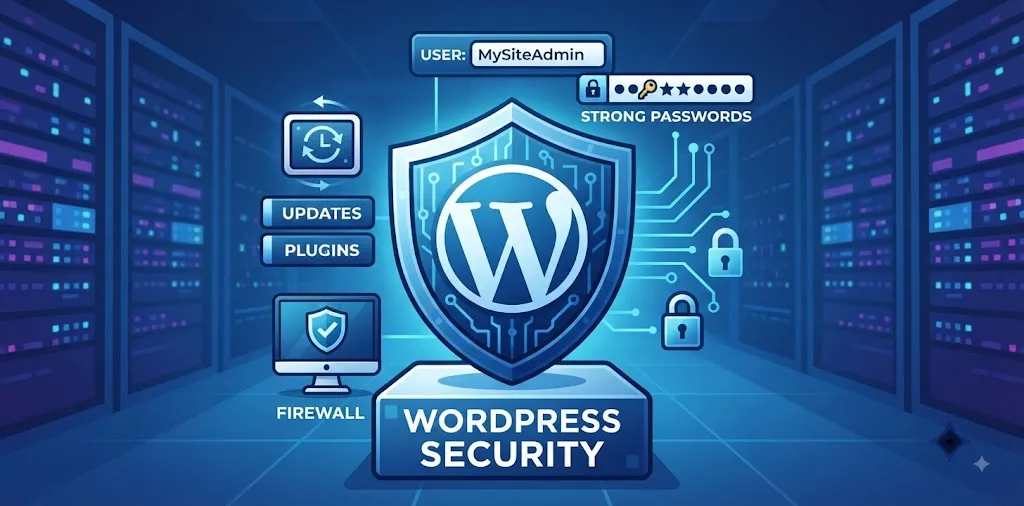
How to secure WordPress website from hackers
Keeping your site safe from bad people takes just a few smart steps, strong passwords, and regular updates to block threats.
Use strong passwords and change them often
Your password is the main gate to your blog. If it is weak, hackers can guess it in seconds. Many people use simple words like “password” or their pet’s name. This is a huge mistake. Bad actors use fast computer programs to try millions of words until they get in.
To stop them, you need a mix of big letters, small letters, numbers, and symbols. Make it long, too. A good password looks like a random mess, but you can write it down in a safe place.
- Never use your name or birthday.
- Use a password manager to make and save hard codes.
- Change your login key every three months.
A few years ago, my first blog got hacked because I used “admin” as my user name and a simple word for my key. A bot broke in and filled my pages with spam links. It took me two whole days to fix the mess. That taught me a hard lesson. Now, I always use a tool that creates super long codes that no computer can guess.
You should also limit how many times people can try to log in. If someone tries five times and fails, block them out. This stops automated tools right away. When you pick a unique username instead of “admin,” you make it twice as hard for bots to guess your info. Read our related guide on setting up two-factor auth for an extra layer of defense.
Keep your software and plugins updated
Every time your plugins or themes get an update, it usually means the builder found a hole in the code. They fix the hole and send out a new version. If you do not click update, your site stays open to attack.
Hackers look for old plugins that still have holes. They use these old spots to slip inside your system.
- Check your dashboard at least once a week.
- Update your core files right away.
- Delete any plugins you do not use anymore.
Last month, a client forgot to update an old form plugin on their shop site. A bad bot found the old hole and put fake ads all over their checkout page. They lost three sales before we caught it and hit the update button.
You can turn on auto-updates for small fixes. For big updates, check your site after you click the button to make sure nothing looks broken. Clean up your folder by tossing out plugins you tested once and left behind. Fewer plugins mean fewer open doors for bad actors to find.
Install a trusted security plugin
You do not have to guard your site all by yourself. Security plugins act like a watchdog for your pages. They scan your files day and night to look for strange changes.
These tools can spot a bad file the second it lands on your server. They send an alert to your email so you can act fast. Some tools even build a virtual wall, called a firewall, to block bad traffic before it touches your host.
- Look for tools with high ratings and good reviews.
- Turn on the firewall feature on day one.
- Run a full site scan twice a week.
When I added a firewall plugin to my recipe blog, my server logs showed over fifty blocked attack attempts in the very first week. It felt great to see the system doing its job.
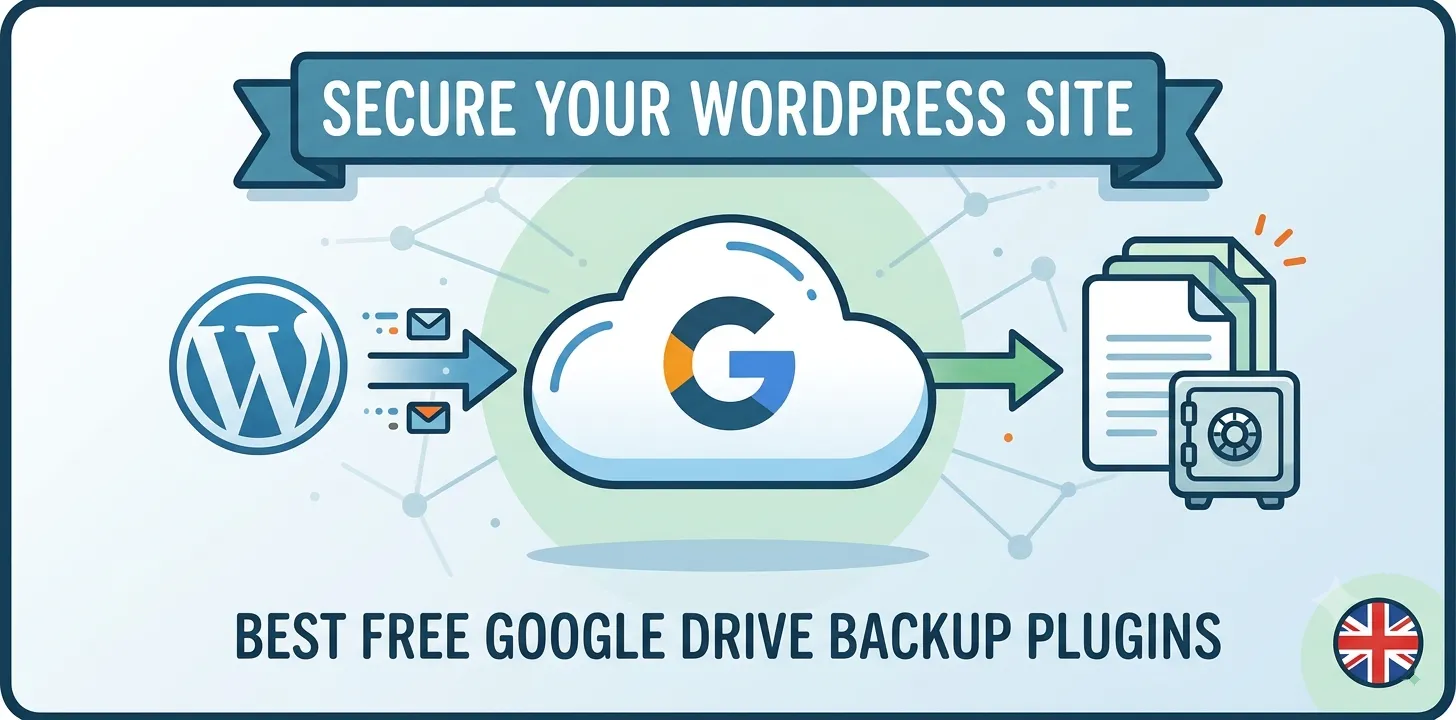
Make sure you only pick one main security tool. If you use two heavy tools at the same time, they can fight each other and slow your pages down. Set up the plugin to email you if it finds anything odd. Check out our related guide on choosing the best backup tools to keep your data safe.
Move your login page to a new link
By default, every WordPress site uses the exact same door to let users in. It ends with wp-login or wp-admin. Because everyone uses this same link, hackers know right where to go to bang on your door.
Bots search the web all day for this exact link. When they find it, they start trying thousands of login keys over and over. Changing this link hides your front door from the street.
- Use a plugin to hide your default login URL.
- Pick a secret word that only you and your team know.
- Bookmark the new link so you do not lose it.
Moving my login link cut my daily bot traffic down to almost zero. It is like hiding your house key under a rock far away from the front porch.
When you change this link, make sure you write it down on a piece of paper near your desk. If you forget your own secret link, you will lock yourself out of your blog, too. It is a quick fix that stops most automated attacks in their tracks.
Frequently Asked Questions
Here are the top things people ask about keeping a WordPress site safe from hackers, along with quick, clear answers to help you.
Can hackers steal my data on WordPress?
Yes, they can take your posts, user emails, and passwords if your site has weak spots, old plugins, or poor login keys.
How often should I scan my site for bad files?
You should run a full security scan at least two times every week to catch strange changes and block bad bots fast.
Do I need to pay for a security plugin?
No, free plugins work great for most small blogs, but paid tools offer extra features like a live firewall and daily backups.
Conclusion
Keeping your site safe does not have to be hard. You just need to follow good habits every single week. Lock your doors with strong passwords, update your files on time, and use a watchdog plugin to watch your back.
Your final expert tip is to set up automatic daily backups. If something ever goes wrong, a fresh backup lets you put your site back together in five minutes flat.
Your clear next step is to log into your dashboard right now and update any old plugins you see waiting on your screen. Take charge of your safety today and keep your online home clean and secure for all your visitors.